
Veo 3.1 AI Video Generator: Professional Video Creation Made Simple
Experience Google's cutting-edge Veo 3.1 AI video generator. Create stunning, cinematic videos from images and text with advanced frame control, character consistency, and professional-grade quality. Transform your creative vision into reality with the most advanced AI video generation technology available.
Available Variants
Frames to Video
Generate video from a first and last frame.
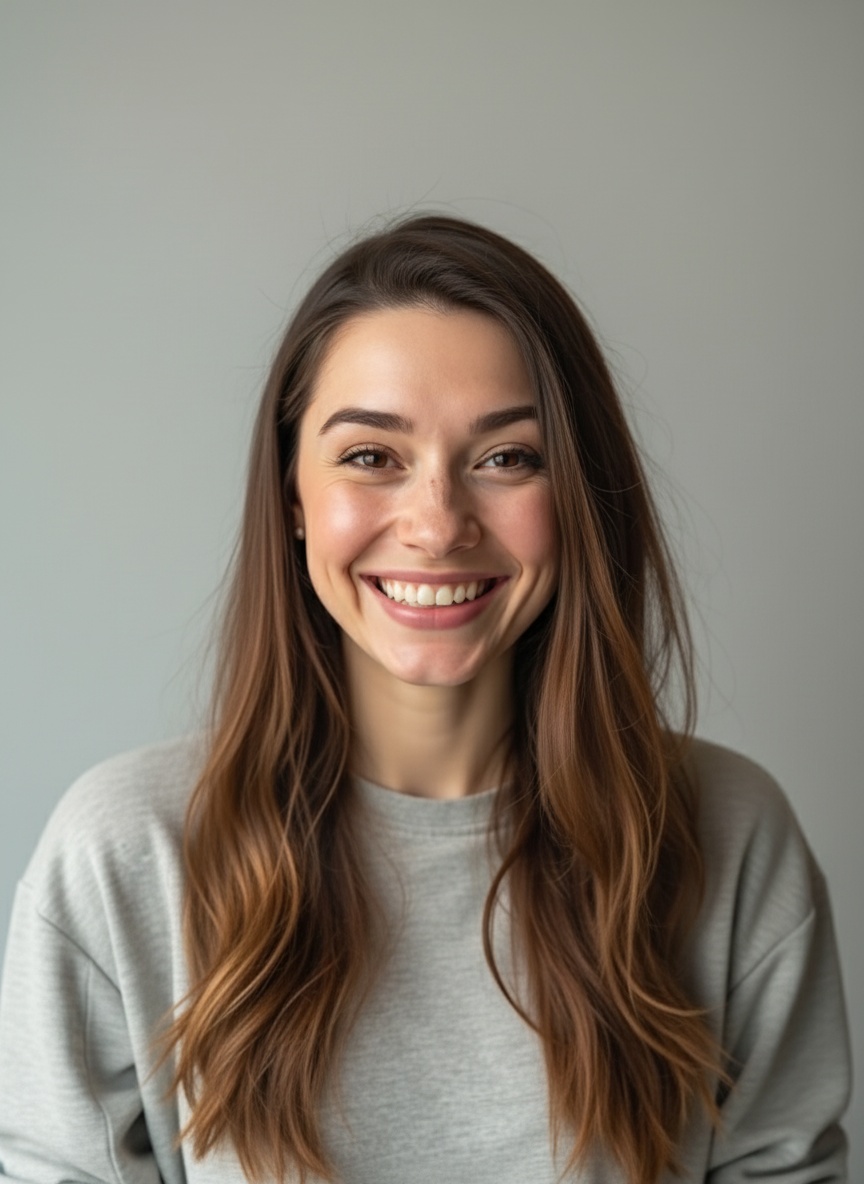

Prompt Used:
"A woman looks into the camera, breathes in, then exclaims energetically, "have you guys checked out Veo3.1 First-Last-Frame-to-Video on Fal? It's incredible!""
Ingredients to Video
Generate video from multiple reference images.
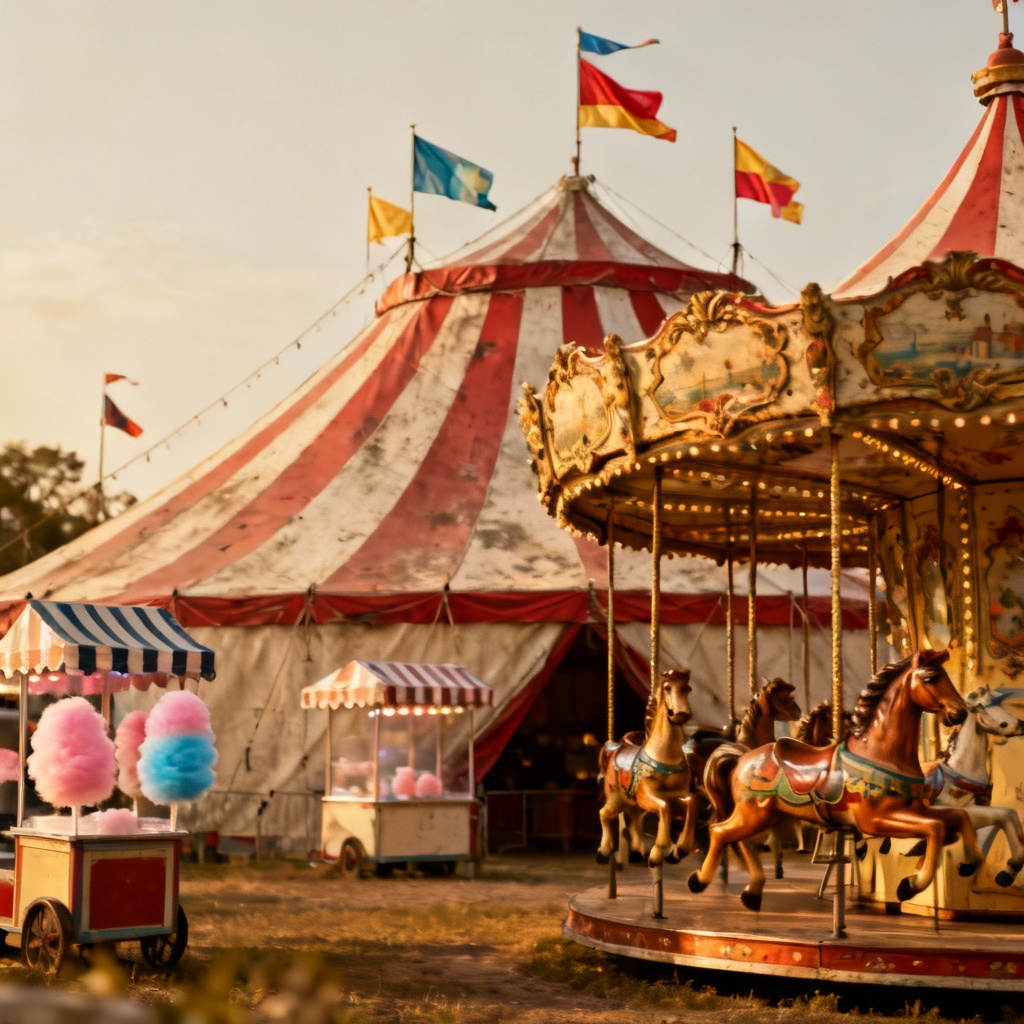
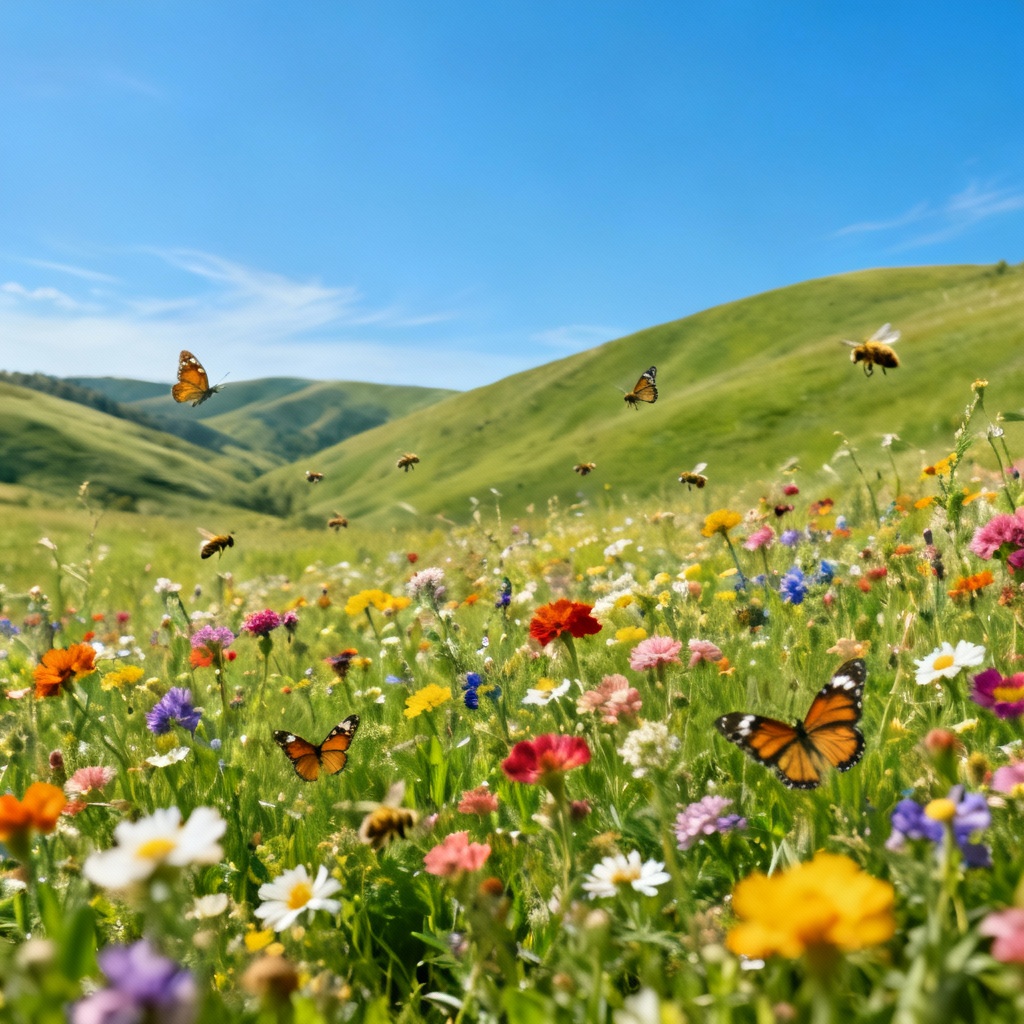
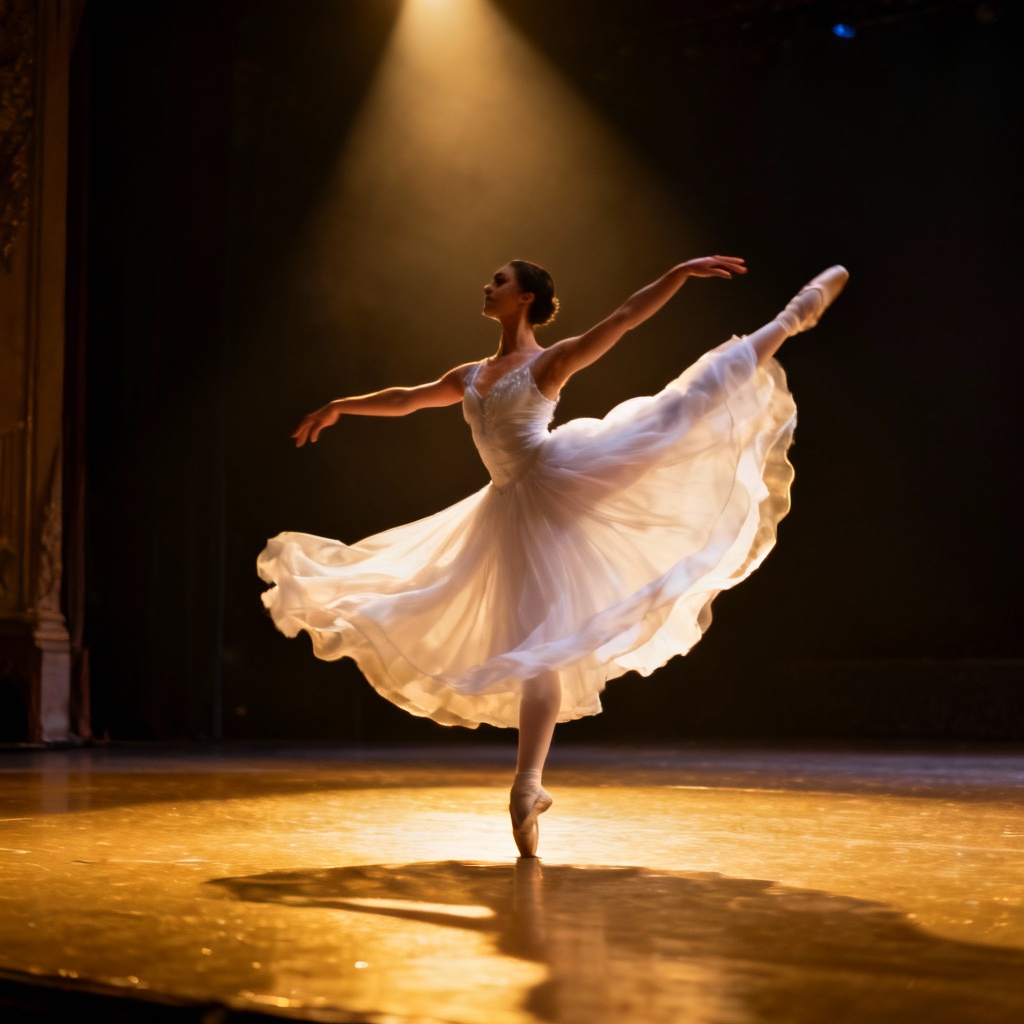
Prompt Used:
"A graceful ballerina dancing outside a circus tent on green grass, with colorful wildflowers swaying around her as she twirls and poses in the meadow."
Image to Video
Generate video from a single image.
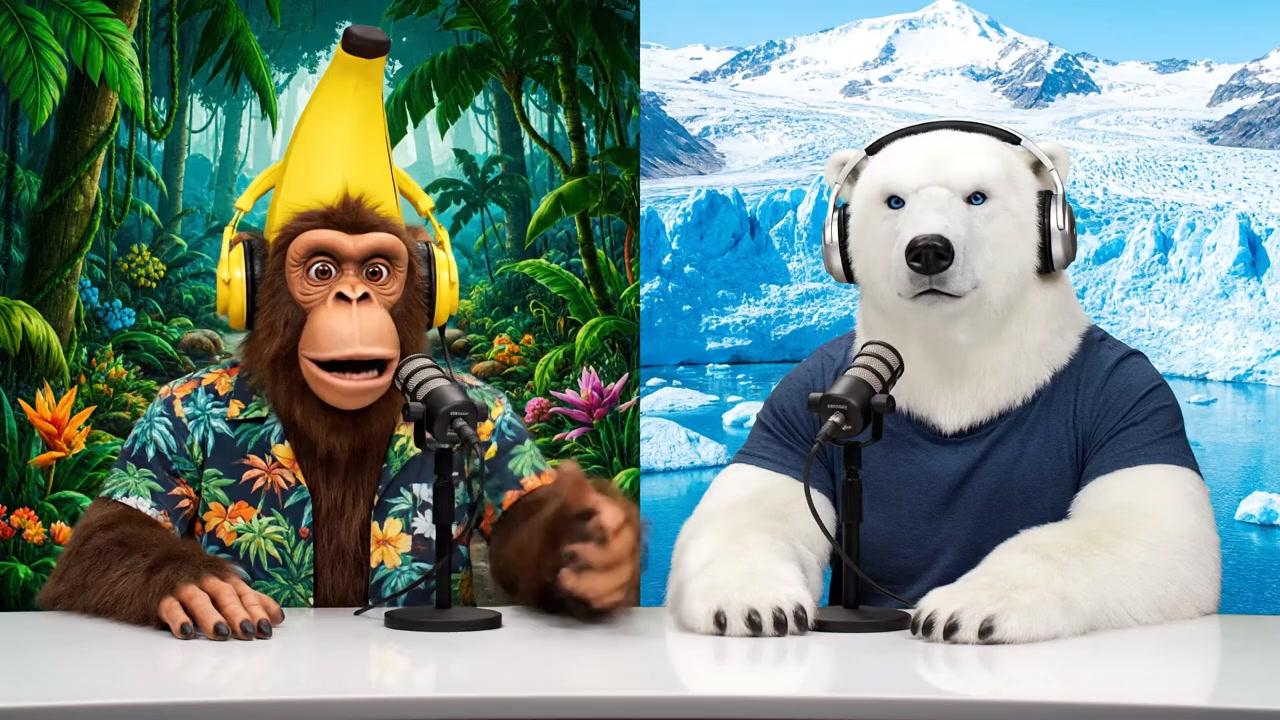
Prompt Used:
"A monkey and polar bear host a casual podcast about AI inference, bringing their unique perspectives from different environments (tropical vs. arctic) to discuss how AI systems make decisions and process information. Sample Dialogue: Monkey (Banana): "Welcome back to Bananas & Ice! I am Banana" Polar Bear (Ice): "And I'm Ice!""
Veo 3.1 AI Video Generator Capabilities
Discover why Veo 3.1 is the leading AI video generator for creators who demand precision, consistency, and cinematic quality. Google's advanced technology brings your creative vision to life.
Frame-to-Frame Video Control with Veo 3.1
Veo 3.1's revolutionary frame control lets you define exact start and end points for your videos. Create stunning morphing effects, seamless transitions, and before-after showcases with precision. Perfect for demonstrating product evolution, architectural transformations, or artistic processes with studio-quality results.
Character Consistency AI Technology
Maintain perfect visual consistency across all video frames with Veo 3.1's character recognition system. Upload reference images of characters, products, or brand assets, and our AI video generator ensures identical appearance throughout your content—solving the biggest challenge in AI video production.
Multi-Reference Video Generation
Veo 3.1 accepts multiple reference images to create cohesive video narratives. Combine different elements—characters, environments, and objects—into a single, harmonious video. Ideal for complex storytelling, brand campaigns, and multi-element content creation with consistent visual identity.
Cinematic Quality Video Output
Generate professional-grade videos up to 1080p resolution with Veo 3.1. Our AI video generator understands cinematography principles including lighting, camera movements, and composition. Specify camera angles, lens types, and visual styles for truly cinematic results that rival traditional video production.
Intelligent Physics & Motion Understanding
Veo 3.1's AI video generator comprehends real-world physics and natural motion patterns. From realistic water dynamics to authentic character movements, every generated video maintains physical accuracy and natural flow—creating believable, engaging content that resonates with audiences.
Rapid Video Generation with Audio
Create complete videos with synchronized audio in under 60 seconds using Veo 3.1's fast generation mode. Our AI video generator produces high-quality results with optional audio enhancement, perfect for social media content, marketing videos, and rapid prototyping without compromising quality.
Veo 3.1 AI Video Generator FAQs
Veo 3.1 is Google's most advanced AI video generator, offering industry-leading frame-to-frame control, character consistency across shots, and deep understanding of cinematic principles. Unlike basic video generators, Veo 3.1 comprehends physics, motion dynamics, and professional cinematography, enabling you to create studio-quality videos from simple text prompts or images. The multi-reference capability and precise frame control set Veo 3.1 apart as the professional choice for serious creators.
Veo 3.1's frame control feature lets you define the exact first and last frame of your video. Simply upload a starting image and an ending image, and Veo 3.1's AI video generator intelligently fills in all intermediate frames, creating smooth, natural transitions. This is perfect for 'before and after' videos, transformation showcases, or any content where you need precise control over the video's beginning and end states. The AI ensures physically accurate and visually compelling transitions.
Yes, Veo 3.1 excels at character consistency—one of the most challenging aspects of AI video generation. Upload reference images of your character, brand mascot, or product, and Veo 3.1's advanced recognition system ensures perfect visual consistency across all generated videos. This makes Veo 3.1 ideal for creating video series, brand campaigns, story sequences, and any content requiring the same character or object to appear identically in different scenes and contexts.
Veo 3.1 generates professional-quality videos up to 1080p HD resolution, with support for multiple aspect ratios including 16:9, 9:16, and 1:1 formats. Videos can be up to 8 seconds in duration, with options for audio generation. The AI video generator produces cinema-grade output suitable for professional use, social media platforms, presentations, and commercial projects. All videos maintain high bitrate and visual fidelity throughout.
Veo 3.1's AI video generator understands professional cinematography language. To achieve cinematic results, use specific terms in your prompts: camera movements ('dolly shot', 'tracking shot', 'crane shot'), lens types ('wide-angle', 'telephoto', 'macro'), lighting styles ('golden hour', 'dramatic lighting'), and shot compositions ('close-up', 'establishing shot'). For example: 'Slow dolly zoom on character, cinematic lighting, shallow depth of field, shot in 35mm film style.' This level of control makes Veo 3.1 the preferred AI video generator for professional content creators.
Video Tutorials & Examples
Watch comprehensive tutorials and real-world examples showcasing how our video AI generator transforms images into professional videos.
What Video Creators Say About Us
Discover why content creators, marketers, and professionals choose our image to video generator for their video production needs.
Transform Your Ideas into Videos with Veo 3.1 AI Video Generator
Join thousands of creators using Veo 3.1 to produce professional, cinematic videos in seconds. Experience Google's most advanced AI video generation technology with frame-perfect control and character consistency. Start creating studio-quality videos today.
Top AI Video Generators: Features, Benefits & Alternatives
Explore the best AI video generation tools. Compare their key features, benefits, and top alternatives to find the right AI video maker for your needs.


